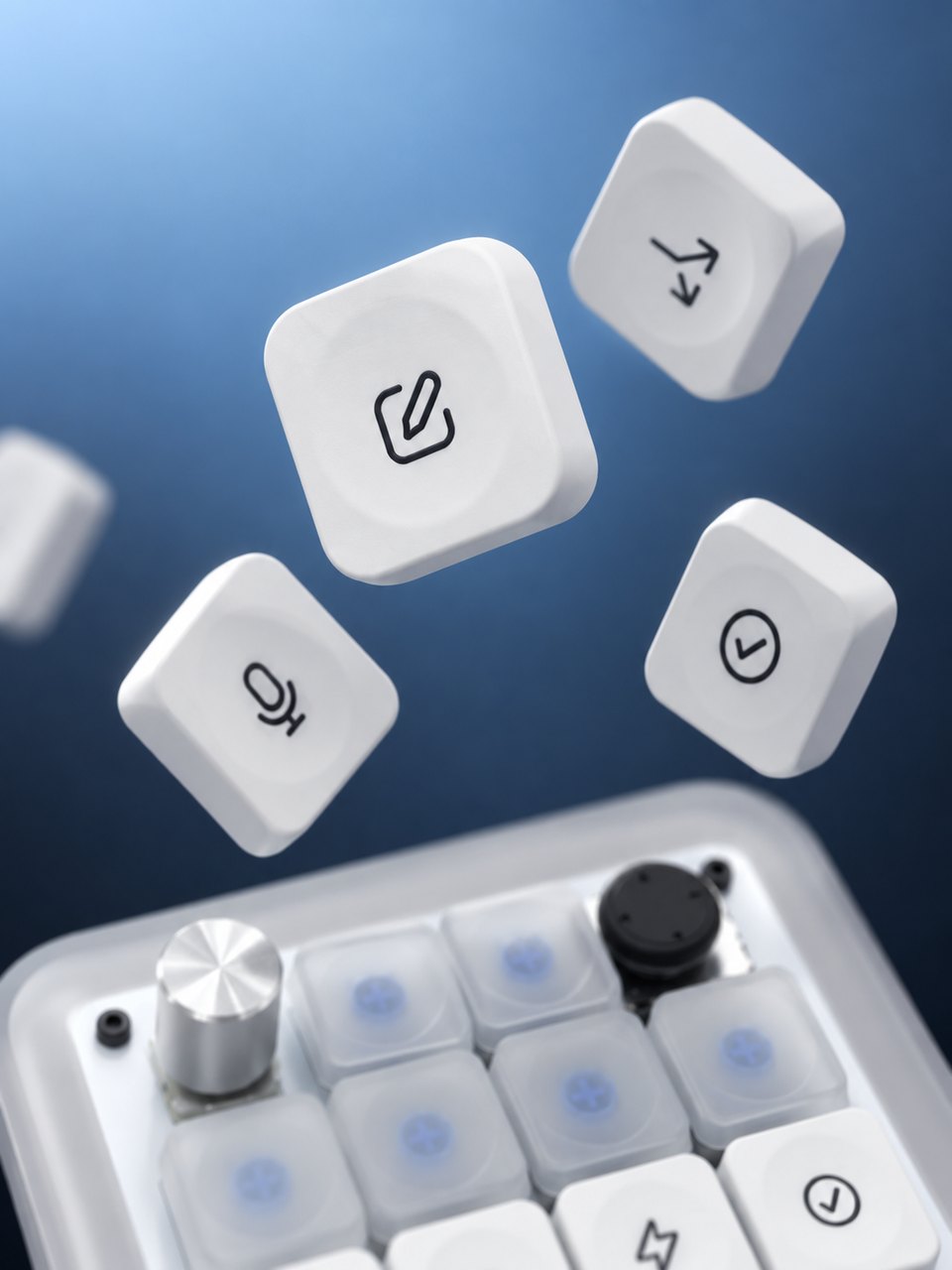
Press
Thirteen physical keys give frequent actions a place of their own.
13 KEYS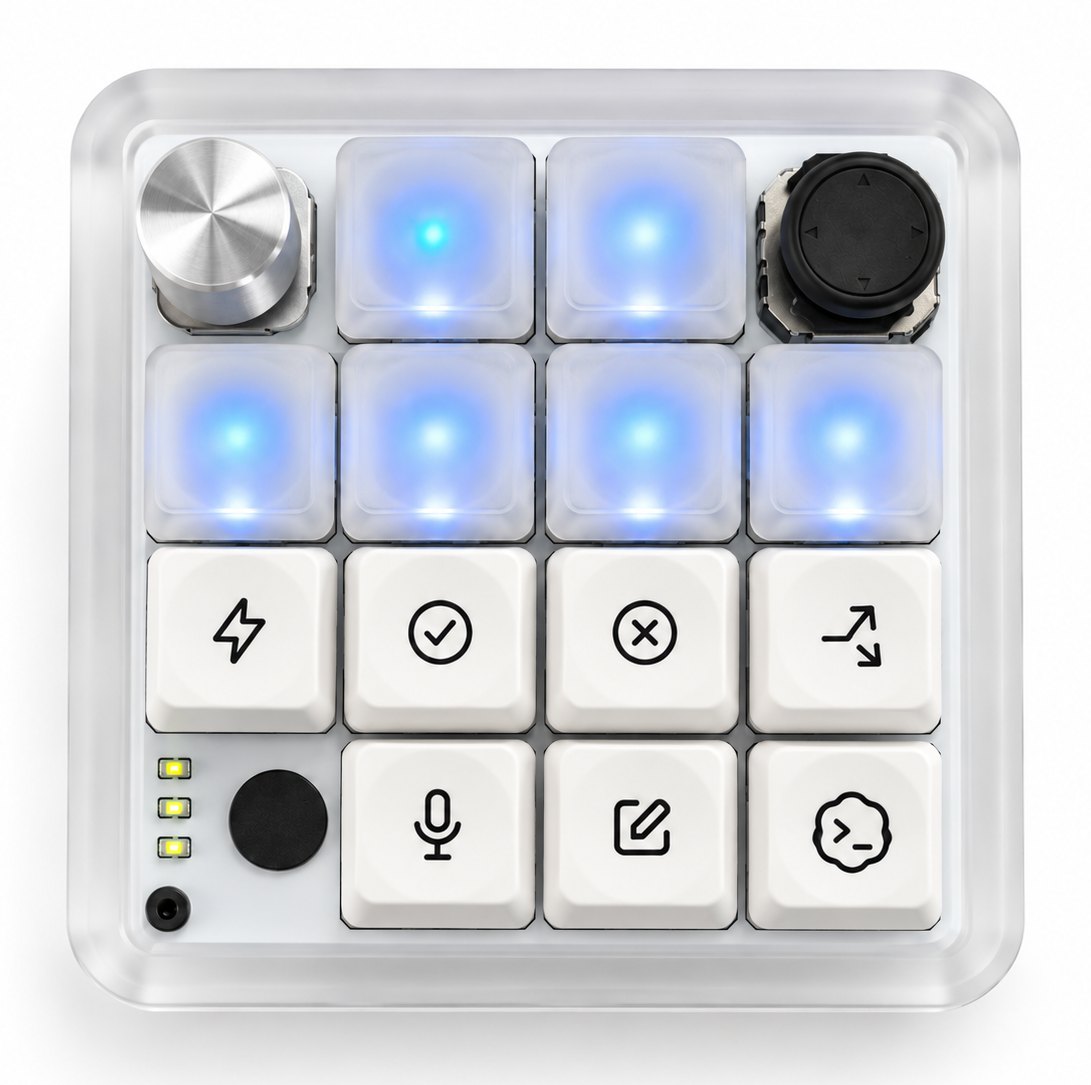
Meet AI Micro.
A small, physical space for the actions you use all day. Thirteen keys, a rotary dial, a four-way joystick, and light you can read at a glance.
01 / THE CONTROLS
Keep the actions you reach for within reach of your fingers. AI Micro brings deliberate, tactile input to a compact place on your desk.
Thirteen physical keys give frequent actions a place of their own.
13 KEYS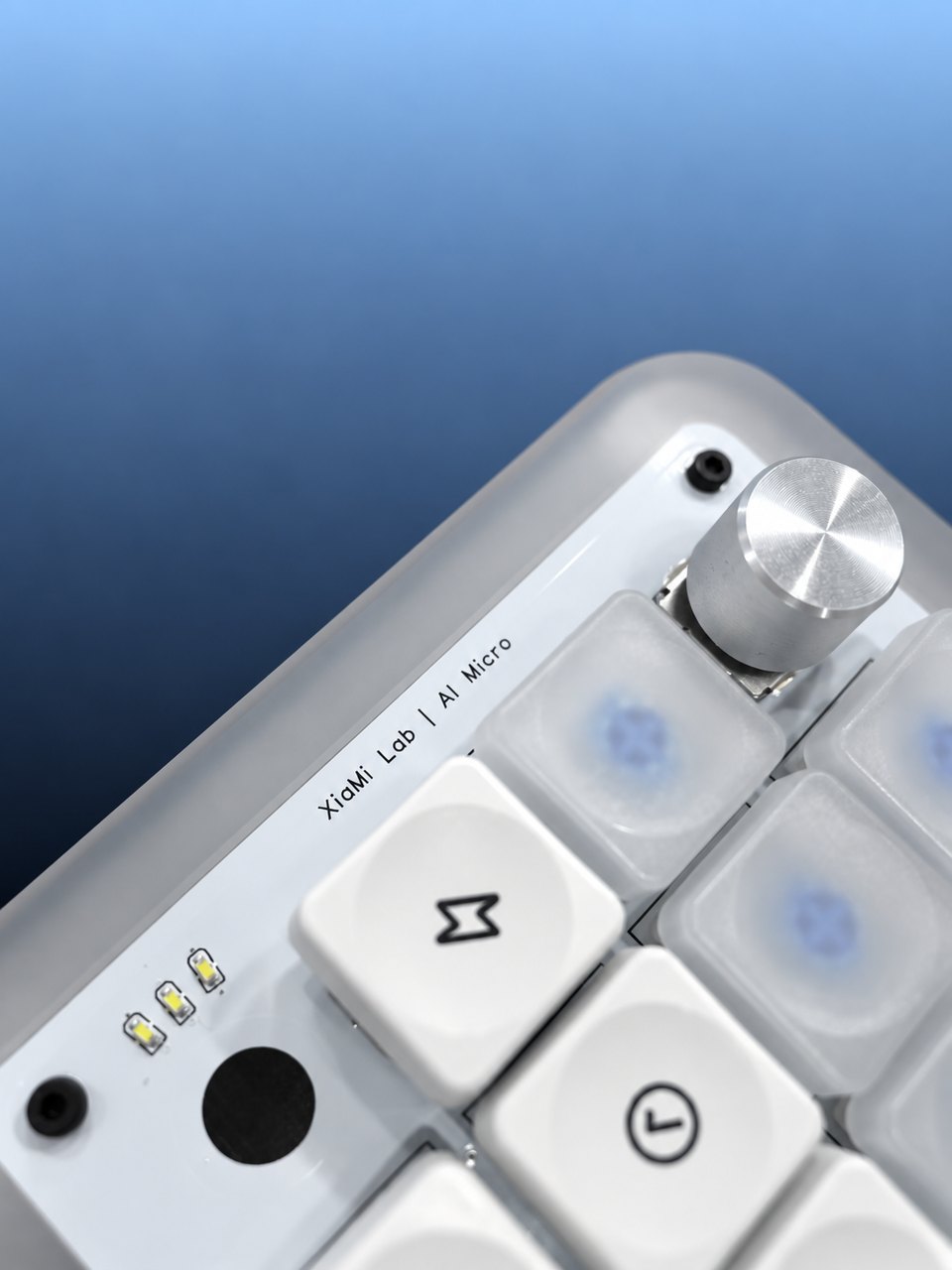
A rotary dial adds a satisfying way to adjust and navigate.
ROTARY DIAL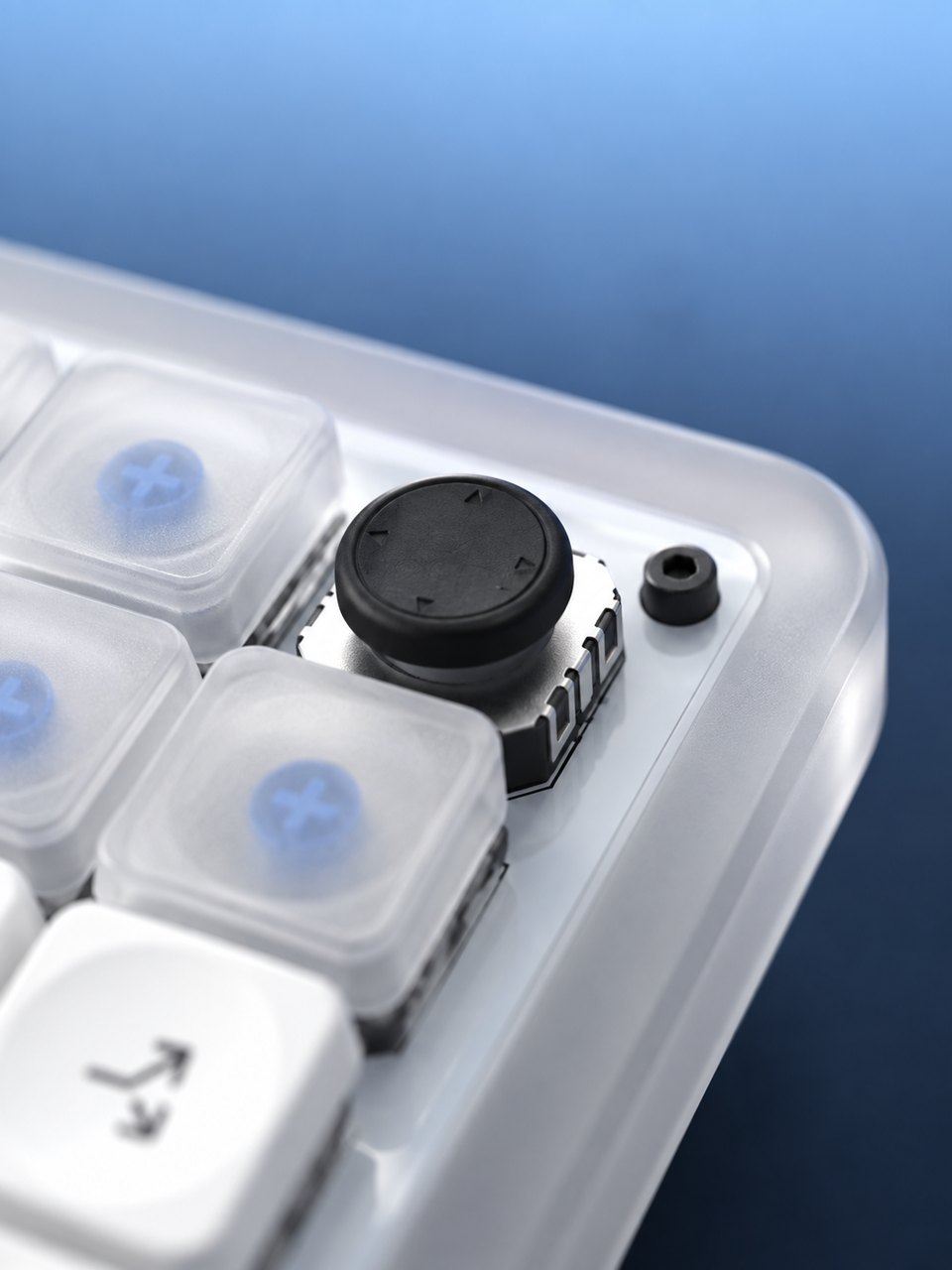
A four-way joystick puts directional control at one fingertip.
4 DIRECTIONS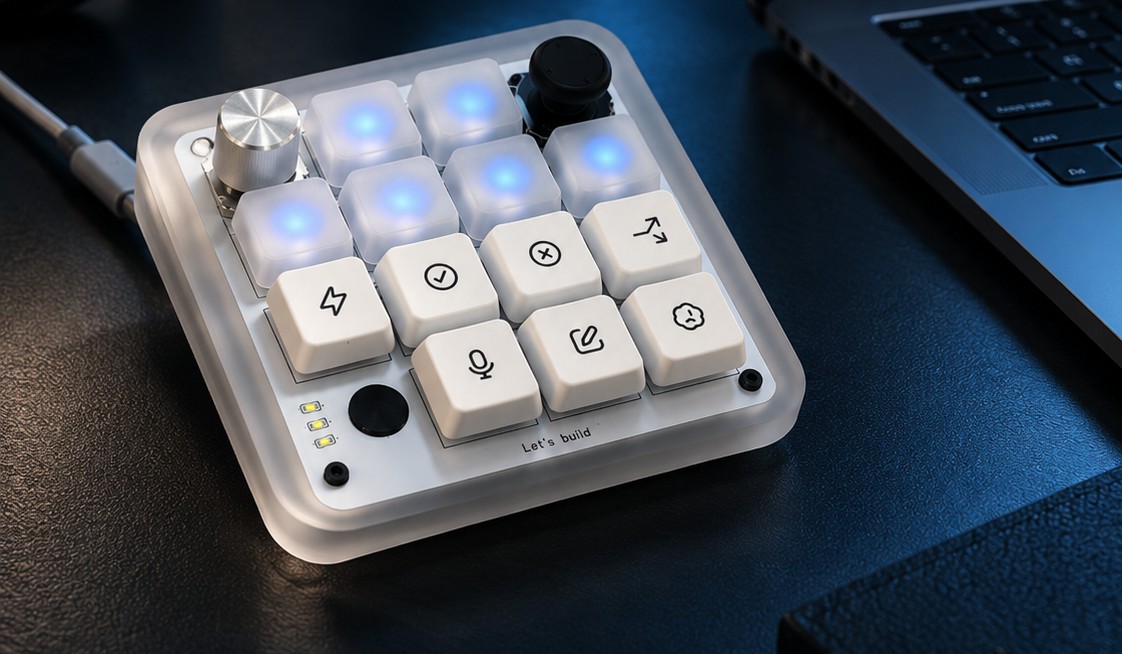
A PLACE FOR PHYSICAL CONTROL
Set AI Micro beside your computer and keep the actions you use most within easy reach. Its compact footprint leaves room for the rest of your setup.
Explore ways to use it03 / FLEXIBLE BY DESIGN
AI Micro's controls can take on different roles with compatible firmware. The exact key mappings, lighting, and connection features depend on the firmware you choose.
Use supported command controls and visible agent status feedback with the compatible firmware.
Bring common desktop actions onto physical controls with a macro-focused setup.
Compatibility and available functions vary by firmware and software version. AI Micro is independently developed and is not affiliated with OpenAI.
04 / THE ESSENTIALS
Everything you need to know about the hardware, in one place.
05 / GOOD TO KNOW
No. AI Micro is independently developed hardware and is not an official or co-branded OpenAI product.
No. In the compatible push-to-talk workflow, audio comes from your computer's selected microphone.
Available mappings depend on the firmware and software you use. Check the relevant setup guide for current options.
AI MICRO / STAY IN THE FLOW
Explore the controls, compare the details, and picture a more tactile place on your desk.